GitHub
Automate Azure infrastructure change reviews by using Bicep and GitHub

Add checks to pull requests that run automatically during your code reviews. Run the Bicep linter on your code, and deploy the resources to a temporary environment to enable further automated and manual testing.
Test your Bicep code by using GitHub Actions
Validate and test your Bicep code in your deployment workflow. You'll use linting, preflight validation, and the what-if operation to validate your Azure changes before you deploy, and you'll test your resources after each deployment.
ClickOps over GitOps

The delta between Kubernetes and a developer friendly PaaS is where the next layer of value is being created today. Many products are racing to fill the void that is called Kubernetes developer experience. This is also the place where things get opinionated, a requirement for reliable end to end workflows. In this talk you will learn about Gimlet.io's approach on how Kubernetes UIs can be quick to use, and safe at the same time. In this talk you will see how you can create a developer platform - with the usual components Cert-Manager, Nginx Ingress etc - and deploy on it with only clicking on a dashboard. You will also see that behind the curtains, all Gimlet does is writing yamls into a git repository. ClickOps.. over GitOps.
ToolUp Days #15
ToolUp Days is all about showing the thought process and decisions made when creating an application. Join Chris and Matt as they build a new application from the ground up, including development processes, tooling, service choices and architectural decisions!
Passwordless deployments to Microsoft Azure with GitHub Actions
Discovering passwords in our codebase is probably one of our worst fears as a developer. But, what if you didn't need passwords at all? Join Chris, as he explores how you can use OpenID Connect to trust your cloud provider, enabling you to deploy easily, securely and safely.
End-to-end InnerSourcing and Secure Development with GitHub
Many of you may be familiar with GitHub for your own Open Source (OSS) projects. But, did you know that you can run your end-to-end development within your organization using GitHub Enterprise? Join Chris for a whistle-stop tour in the day-in-the-life of a developer with GitHub Codespaces, GitHub Copilot, GitHub Actions and GitHub Advanced Security, showing how you can bring Open Source best practices into your day-to-day work (also known as InnerSource)!
From 'It works on my machine' to 'It was written by a machine' - GitHub Codespaces & Copilot
Being a developer is hard. From knowing the building blocks of programming, through to keeping on top of the latest languages and frameworks. That’s before we even think about running systems in production But at some point, we’ve all uttered those words ‘It works on my machine’. Or, may have looked up code snippets from our favourite search engine What if there was a better way for both? In this demo-led session, Chris will introduce GitHub Codespaces and GitHub Copilot, explaining how they can improve your developer experience and make you even more productive!!
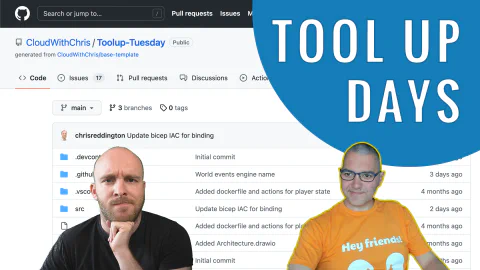
ToolUp Days #14
ToolUp Days is all about showing the thought process and decisions made when creating an application. Join Chris and Matt as they build a new application from the ground up, including development processes, tooling, service choices and architectural decisions!
From 'It works on my machine' to 'It was written by a machine' - GitHub Codespaces & Copilot
Being a developer is hard. From knowing the building blocks of programming, through to keeping on top of the latest languages and frameworks. That’s before we even think about running systems in production But at some point, we’ve all uttered those words ‘It works on my machine’. Or, may have looked up code snippets from our favourite search engine What if there was a better way for both? In this demo-led session, Chris will introduce GitHub Codespaces and GitHub Copilot, explaining how they can improve your developer experience and make you even more productive!!
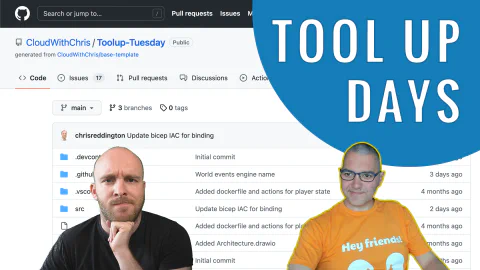
ToolUp Days #13
ToolUp Days is all about showing the thought process and decisions made when creating an application. Join Chris and Matt as they build a new application from the ground up, including development processes, tooling, service choices and architectural decisions!