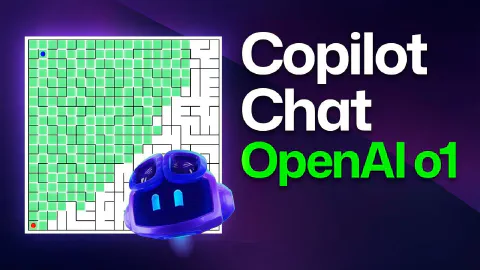
GitHub Copilot Chat and o1-preview: Building a maze generator!
This is a demo video showcasing GitHub Copilot and o1-preview. The video covers the following specific topics:
- Accessing the model picker in GitHub Copilot Chat within Visual Studio Code (GPT-4o, o1 mini, o1 preview)
- Writing a specific, multi-requirement prompt for o1-preview: a JavaScript maze generator with keyboard navigation, variable maze sizing, and a maze-solve button
- Understanding o1-preview’s extended internal reasoning, which produces longer response times but handles complex requirements more reliably
- Reviewing the generated code and copying it into the VS Code editor; initial iteration produces a working maze with BFS and DFS visualisation
- Iterating with a follow-up prompt to enhance the solution path display (black dot trail, no-path notification)
- Testing edge cases with a 50×50 maze and a distant starting position to observe depth-first search behaviour visually
- Comparing o1-preview output quality against the expectation for GPT-4o on the same multi-constraint task
Related Content
How to use Copilot Workspace for inspiration
 GitHub
Demonstrates GitHub Copilot Workspace starting from a template repository to scaffold a to-do application, showing how AI can jumpstart creativity when starting a new project. The video walks through the full specification-to-plan workflow, iterating with a live app preview, and switching between Copilot Workspace and GitHub Codespaces to make direct code edits. It also covers the share feature for collaborating on work in progress and the automated first deployment via GitHub Actions.
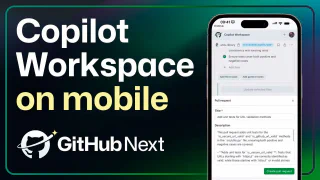
Code from your phone with Github Copilot Workspace
GitHubShows GitHub Copilot Workspace running on the GitHub mobile app, allowing developers to capture ideas and iterate on code from a phone or tablet. The video covers using device dictation for task input, reviewing and editing the AI-generated specification and plan, inspecting code changes via the built-in diff view, running unit tests from the integrated terminal, and creating a pull request with an auto-generated description—all from a mobile device.
ToolUp Days #11
The series officially rebrands from ToolUp Tuesday to ToolUp Days, giving Chris and Matt the flexibility to keep a consistent cadence. This episode focuses on rethinking the game's data model — simplifying the player state object, introducing a BarType enum, and scaffolding both a player creation API and a bar management controller, with GitHub Copilot generating much of the boilerplate in real time.