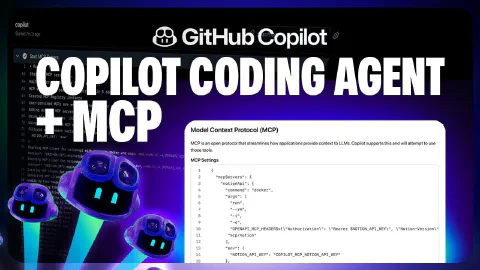
Extend GitHub Copilot coding agent with custom MCP tools
This video demonstrates an end-to-end MCP-powered workflow with the GitHub Copilot coding agent, using the ‘Copilot Airways’ travel guide as the demo application.
Key topics covered:
- Creating a GitHub Issue from Copilot Chat on GitHub.com: asking Copilot to formulate a structured issue from a verbal description, including a link to the Notion document for traceability between the product team’s requirements and the engineering backlog
- Assigning the issue to Copilot coding agent directly from the Copilot Chat interface—no need to navigate away to the Issues tab
- How the Notion MCP server is configured to give Copilot access to external product documentation, bridging the gap between the product team’s tools and the engineering workflow
- Inspecting the session view to see multiple MCP tool calls used to fetch information from Notion, which were then incorporated into Copilot’s implementation plan and code changes
- How MCP servers and their associated tools are provisioned within GitHub Actions when Copilot is being set up for a coding agent task—visible in the workflow run logs
- Navigating a large pull request using Copilot’s PR change summary to gain the right context before diving into a detailed code review
Related Content
How to get the most out of the Copilot coding agent
 GitHub
Getting the best results from the GitHub Copilot coding agent requires deliberate setup across four areas. This video covers writing well-scoped GitHub Issues with clear acceptance criteria and file pointers, crafting Copilot custom instructions to enforce team conventions and development flow, configuring a consistent development environment using Copilot setup steps, and extending Copilot's toolset with Model Context Protocol (MCP) servers configured from repository settings.
Assign issues to GitHub Copilot from the GitHub mobile app
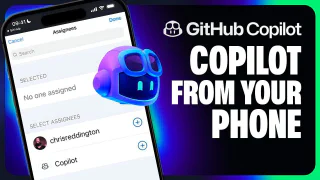
GitHubThe GitHub Copilot coding agent works from anywhere—including your phone. This video demonstrates assigning a GitHub Issue to Copilot directly from the GitHub Mobile app, targeting a GitHub Pages deployment task for the 'Copilot Airways' CI workflow. It then shows how to monitor Copilot's progress, view the session log, and review and approve the resulting pull request entirely from a mobile browser, including the 'Approve and Run' gate that protects GitHub Actions execution.
Copilot Agent Mode is now available in GitHub Copilot for Xcode
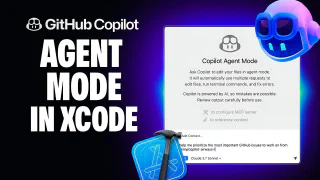
GitHubGitHub Copilot for Xcode now supports agent mode alongside the existing ask mode, with full Model Context Protocol (MCP) support for extending Copilot with additional tools. This video walks through toggling between ask and agent modes in the Xcode chat pane, configuring the GitHub MCP server via the Xcode MCP settings tab, and using agent mode to look up and prioritize repository issues. A hands-on demo shows Copilot diagnosing and fixing a premature form validation problem in an iOS app, verified in the simulator.