
Cloud Drops - How does Git work behind the scenes?
After git init, Git creates a .git folder containing HEAD, config, description, and sub-directories including branches, objects, and refs. The HEAD file holds a symbolic ref pointing to the current branch — for example ref: refs/heads/master — and that ref only materialises as a file under .git/refs/heads/ after the first commit is made. Objects (commits, trees, blobs) are stored compressed in two-character subdirectories under .git/objects/ matching the first two hex characters of their SHA-1 hash. Use git cat-file -p <hash> to inspect any object: a commit points to a tree, a tree lists blobs and sub-trees, and a blob holds the raw file content. Git deduplicates unchanged files across commits by reusing the same blob hash, saving space. After adding a GitHub remote and pushing, a new refs/remotes/origin/main file appears, confirming that local and remote tip hashes match.
Related Content
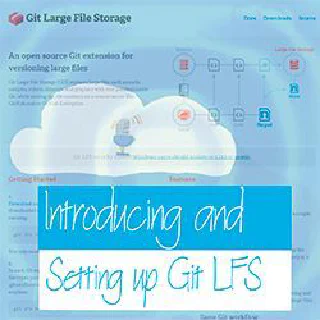
Cloud Drops - Introducing and Setting up Git LFS (Large File Storage)
Git LFS (Large File Storage) is a Git extension that replaces large binary files in your repository with lightweight text pointers, storing the actual data on a remote server. This Cloud Drop demonstrates git lfs install, git lfs track "*.mp3", staging and committing with LFS active, and using git clone --config lfs.fetchExclude to selectively skip large files when cloning.
GitHub Codespaces, Visual Studio Code and Remote Containers
 Cloud with Chris
Setting up a development environment—installing the right SDK versions, extensions, and tools—wastes hours and causes 'works on my machine' problems. This episode shows how VS Code's Remote Containers extension and GitHub Codespaces solve this with containerised, reproducible dev environments defined in a devcontainer.json file. See a live demo of editing cloudwithchris.com entirely in a browser-based Codespace.

GitHub Actions and Azure - Source Controlling our Code using Git
This series opener demonstrates source-controlling a .NET MVC project scaffolded with dotnet new mvc inside Windows Subsystem for Linux, using VS Code's built-in Git integration to stage commits, push to a new GitHub repository, and set a remote origin. It also introduces the GitHub Actions Azure Actions catalogue — including azure/login, azure/cli, and azure/webapps-deploy — as a foundation for the CI/CD automation covered in subsequent episodes.